
Mobile learning: the use of mobile devices (such as phones and tablets) to learn.
I’ll go ahead and say it… this. makes. me. cringe.
My English-teacher-heart actually breaks when I see signs like BYOD “bring your own device” posted around a classroom or even a school. There are so many layers of problems in that mentality of a teacher or school. And seriously, who can read for a sustained period of time on a tiny screen? How many articles do we need to read about the blue light that comes from our phones and the damages of screen time on the brain to say enough is enough? Grr. Okay, I digress. That isn’t the point of today’s post.
Devices, like phones and tablets, are part of society. It’s hard for me to imagine a teacher being able to successfully ban devices unless the students are provided individual laptops. And even then, there are times when the laptop doesn’t work, times when you aren’t using the laptops, but need a student to quickly look up a definition– it’s much faster to unlock your cell, go to Safari, and type away than it is to power-on a laptop. But I understand the distraction devices can cause and how they sometimes transfer into bad habits. Like this:
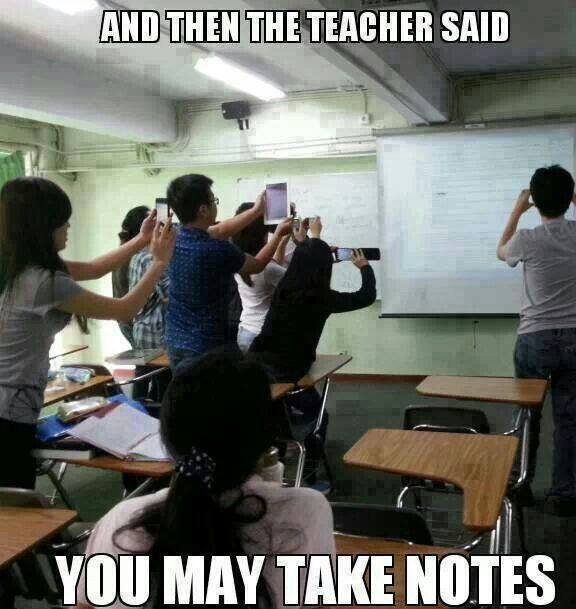
Wow, if this isn’t true, I’m not sure what is.
So, the big question is how do we as teachers balance the use of devices with the active, engaged learning?
Possible solution one: Evernote 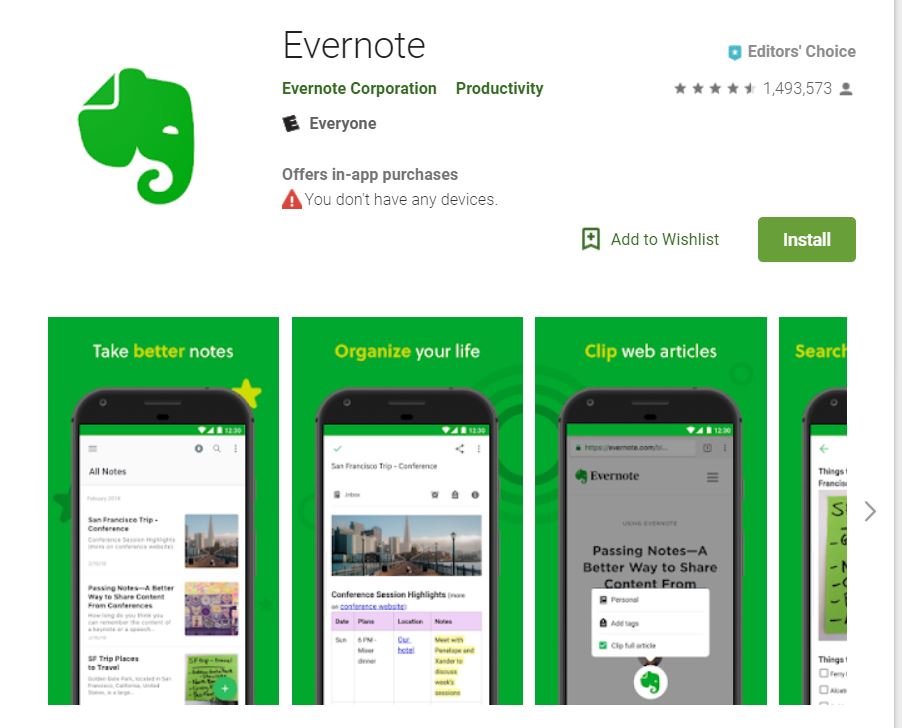
Evernote is a free app that allows students to take notes, organize, and manage articles. While it primarily falls into the lower levels of Bloom’s Taxonomy, depending on teacher/student usage, such as comprehension, it could be used to help students synthesize information. For instance, in my classes, students must write a synthesis essay, where they pull from several sources to create their own opinion on a topic. Evernote helps them collect articles to synthesize.
Possible solution two: Animoto
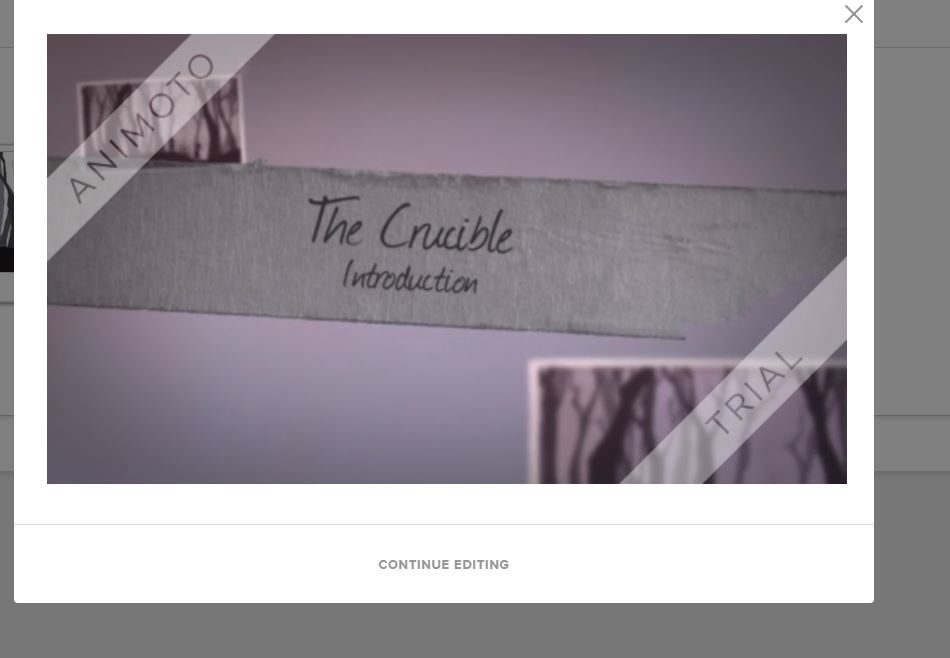
Ah! Anitmoto, I. love. this. tool.
This website can be used to create videos as presentations. It’s simple and incredibly user-friendly. It walks users through the four steps needed to create a video and has a plethora of templates to use.
Like many other tools, the level of Bloom’s depends on the content within the Animoto created. The first one I created is an introduction to our next class novel. It asks students to respond to several anticipation questions connected to the theme of The Crucible. The questions are mostly application or evaluation questions. However, I am considering asking students to use this for their final project where they will create a collaborative presentation. That would certainly be synthesis, as they’ll be creating something new with Animoto.
Possible solution three: Study Stack
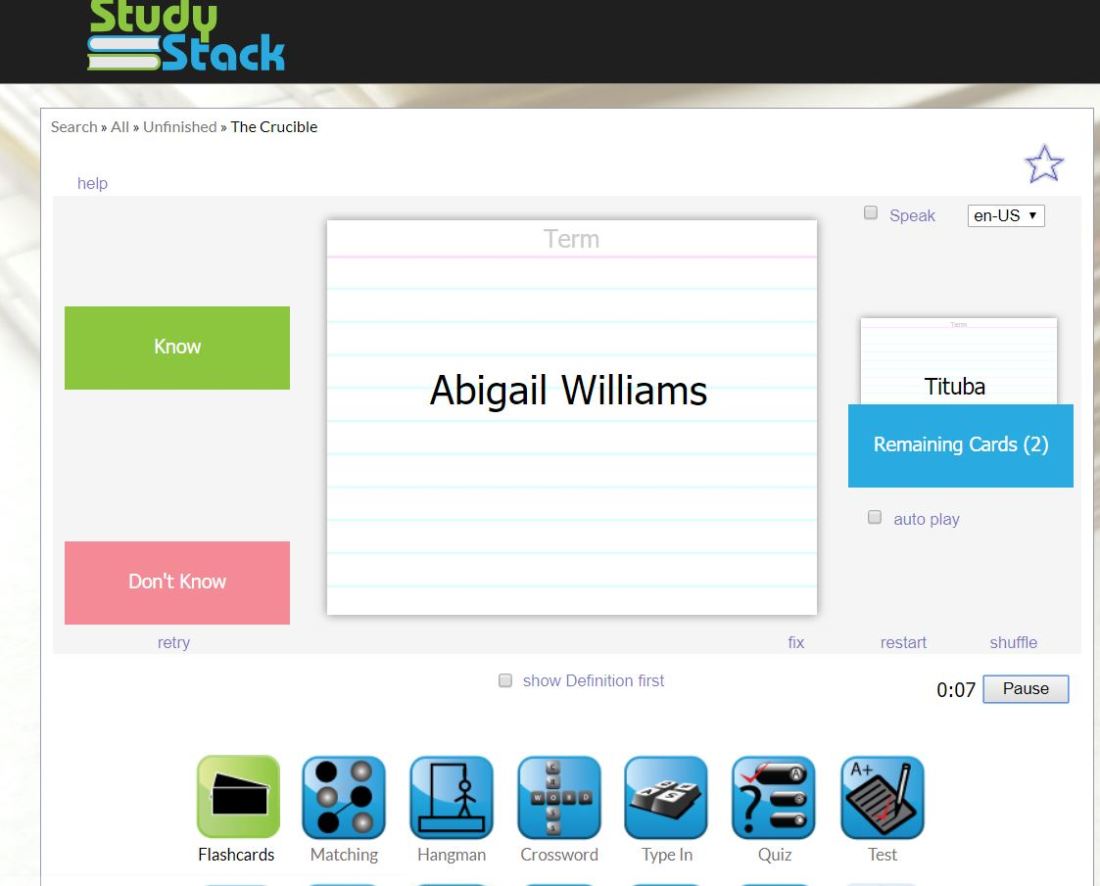
Study Stack is a website with functions similar to Quizlet. Users can create a stack of cards with definitions, open ended questions, or other terms. It seems to have more options for self-assessment than Quizlet; however, I don’t see a “live” option similar to Quizlet.
This falls mostly under the identification stage of Bloom’s Taxonomy, at least the way I have my class terms set– a simple character identification sheet.
I’ll likely stick with Quizlet, as it has the Quizlet Live feature, which has become a class staple for my students. They really enjoy doing the live relay races and creating competitions with one another.
Possible solution four: Edmodo
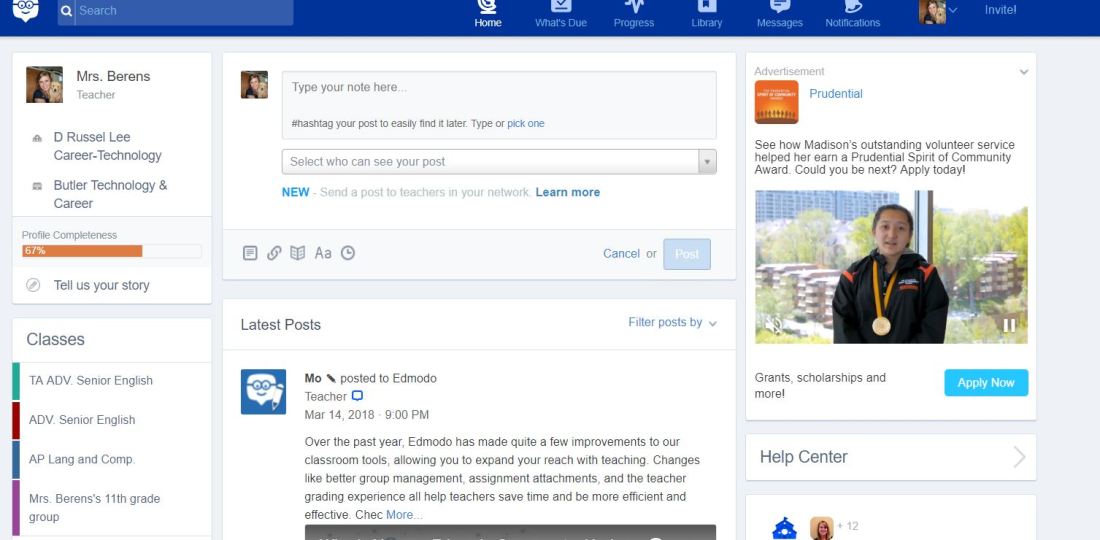
Edmodo is a LMS (learning management system) for everything from turning in assignments to uploading course curriculum for student access. The nice thing about Edmodo is that it’s free to use; but, let’s be honest… every school district I’ve ever been apart of has some type of LMS. What school district in 2018 doesn’t have one? Perhaps ones where students don’t have access to technology.
But perhaps, you do have an LMS, but don’t particularly like the way it’s set up, or maybe students can’t turn in assignments electronically. If that’s your situation, Edmodo is a great resource for you. I set up an Edmodo account to check out the features– assignment drop boxes and discussion boards are standard, which is obviously great for students planning to attend college, as most post-secondary schools require students to complete both of these tasks. I definitely think it’s a good resource especially considering it’s free.
Again, like many of these other resources, the Bloom’s taxonomy level of Edmodo depends on the assignment. That means teachers can use functions to meet all six levels of Bloom’s.
Possible solution five: Flipboard
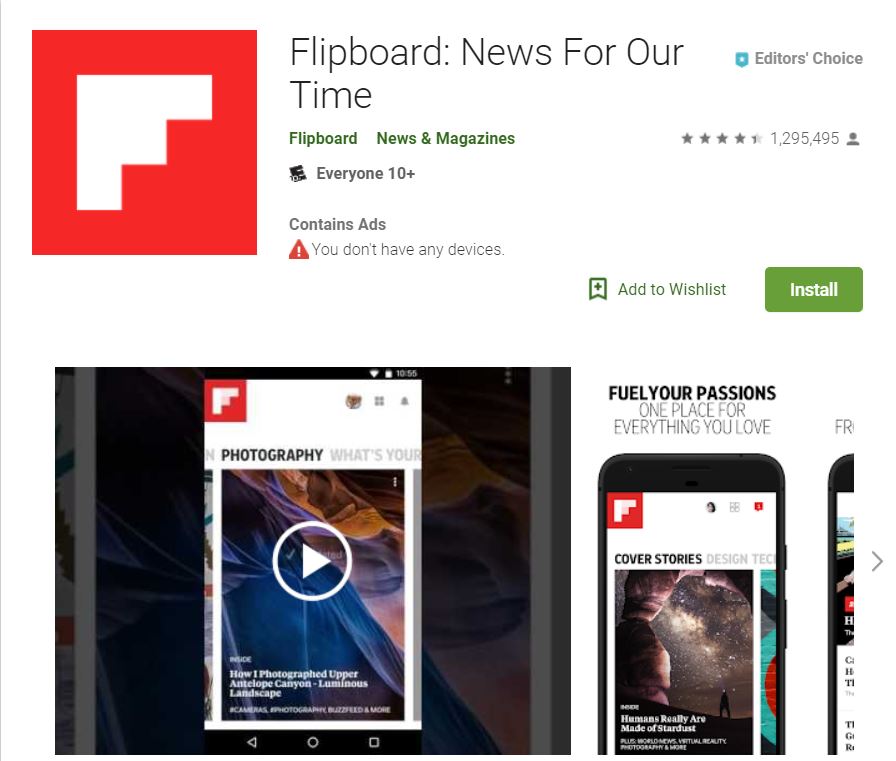
Flipboard is an newsource app. It’s awesome for kids who are more tech savy, as it’s already downloaded to most Android phones and links up nicely with Alexa. I’ve had several students in the past use Flipboard in class to find news articles and even tell me that Alexa will read them articles when they get home for the day.
Flipboard is another app that meets just about level of Bloom’s depending on how teachers use it. I often ask students to do research on current events and synthesize information they find into their own argument.

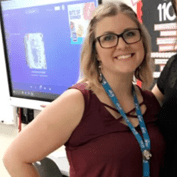 I’m also an eighth year high school English teacher in the greater Cincinnati area. I love to read and write pretty much about anything. And I love my job. I love high schoolers. They’re always bringing me these hilarious perspectives about life. They certainly keep my on my toes and while I may teach them rhetorical device terminology, they also teach me all the hip lingo so I can stay current on my slang.
 Gettin' Techy with IT