Evaluating Mobile Learning

Mobile learning: the use of mobile devices (such as phones and tablets) to learn.

I’ll go ahead and say it… this. makes. me. cringe.
Meme-Toy-Story

My English-teacher-heart actually breaks when I see signs like BYOD “bring your own device” posted around a classroom or even a school. There are so many layers of problems in that mentality of a teacher or school. And seriously, who can read for a sustained period of time on a tiny screen? How many articles do we need to read about the blue light that comes from our phones and the damages of screen time on the brain to say enough is enough? Grr. Okay, I digress. That isn’t the point of today’s post.

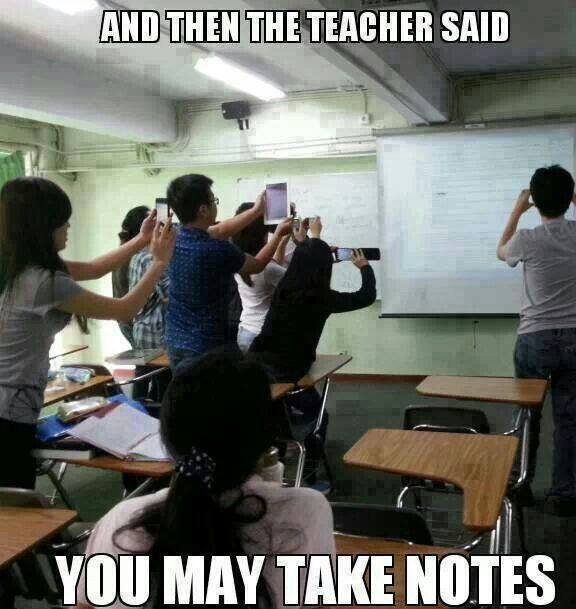
Devices, like phones and tablets, are part of society. It’s hard for me to imagine a teacher being able to successfully ban devices unless the students are provided individual laptops. And even then, there are times when the laptop doesn’t work, times when you aren’t using the laptops, but need a student to quickly look up a definition– it’s much faster to unlock your cell, go to Safari, and type away than it is to power-on a laptop. But I understand the distraction devices can cause and how they sometimes transfer into bad habits. Like this:
mobile learning

Wow, if this isn’t true, I’m not sure what is.

So, the big question is how do we as teachers balance the use of devices with the active, engaged learning?

Possible solution one: Evernote evernote
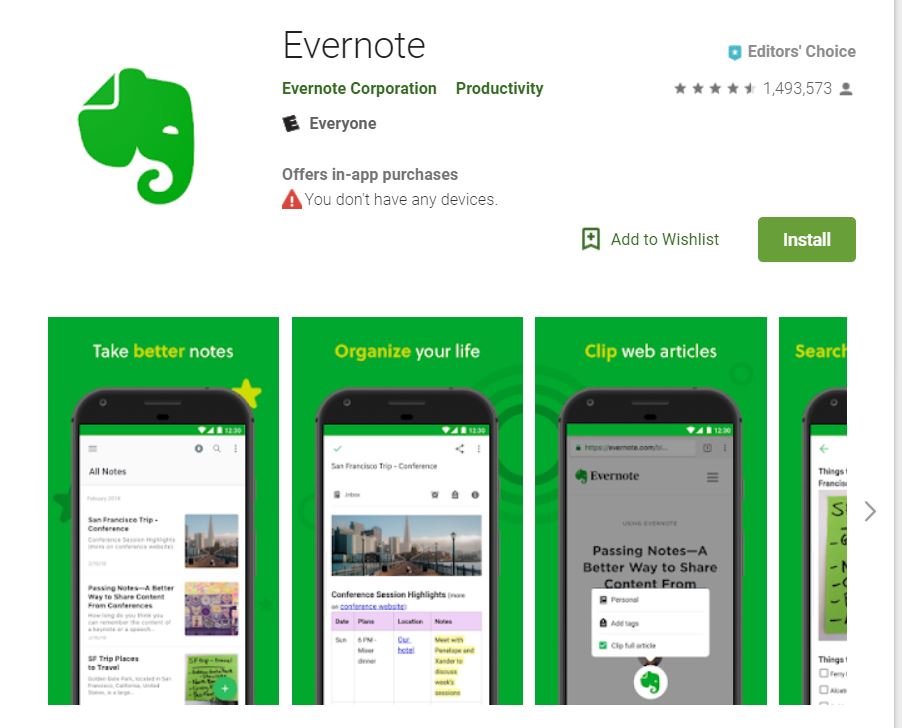
Evernote is a free app that allows students to take notes, organize, and manage articles. While it primarily falls into the lower levels of Bloom’s Taxonomy, depending on teacher/student usage, such as comprehension, it could be used to help students synthesize information. For instance, in my classes, students must write a synthesis essay, where they pull from several sources to create their own opinion on a topic. Evernote helps them collect articles to synthesize.

Possible solution two: Animoto
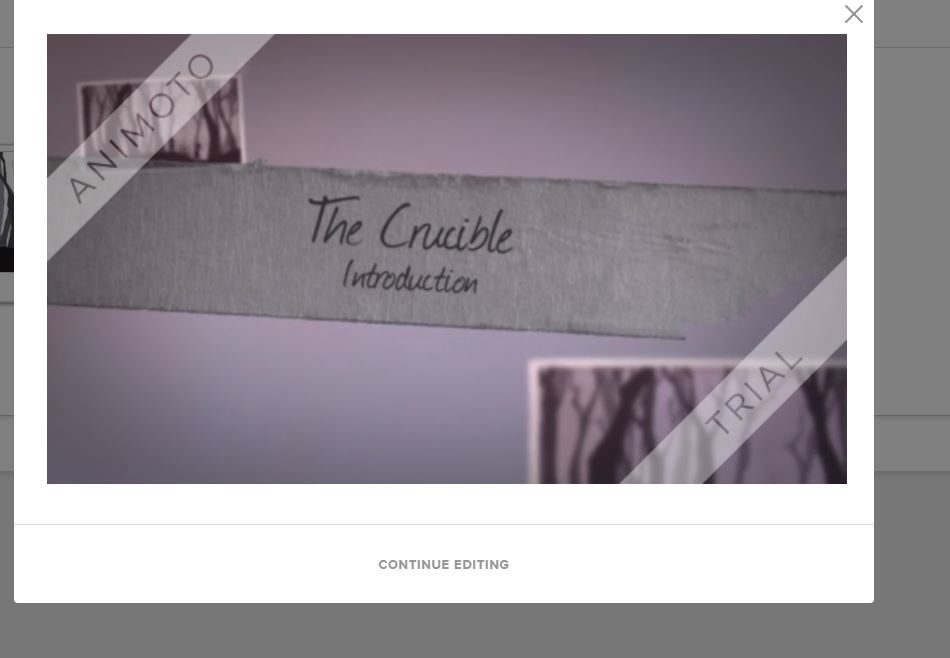
animoto

Ah! Anitmoto, I. love. this. tool.

This website can be used to create videos as presentations. It’s simple and incredibly user-friendly. It walks users through the four steps needed to create a video and has a plethora of templates to use.

Like many other tools, the level of Bloom’s depends on the content within the Animoto created. The first one I created is an introduction to our next class novel. It asks students to respond to several anticipation questions connected to the theme of The Crucible. The questions are mostly application or evaluation questions. However, I am considering asking students to use this for their final project where they will create a collaborative presentation. That would certainly be synthesis, as they’ll be creating something new with Animoto.

Possible solution three: Study Stack
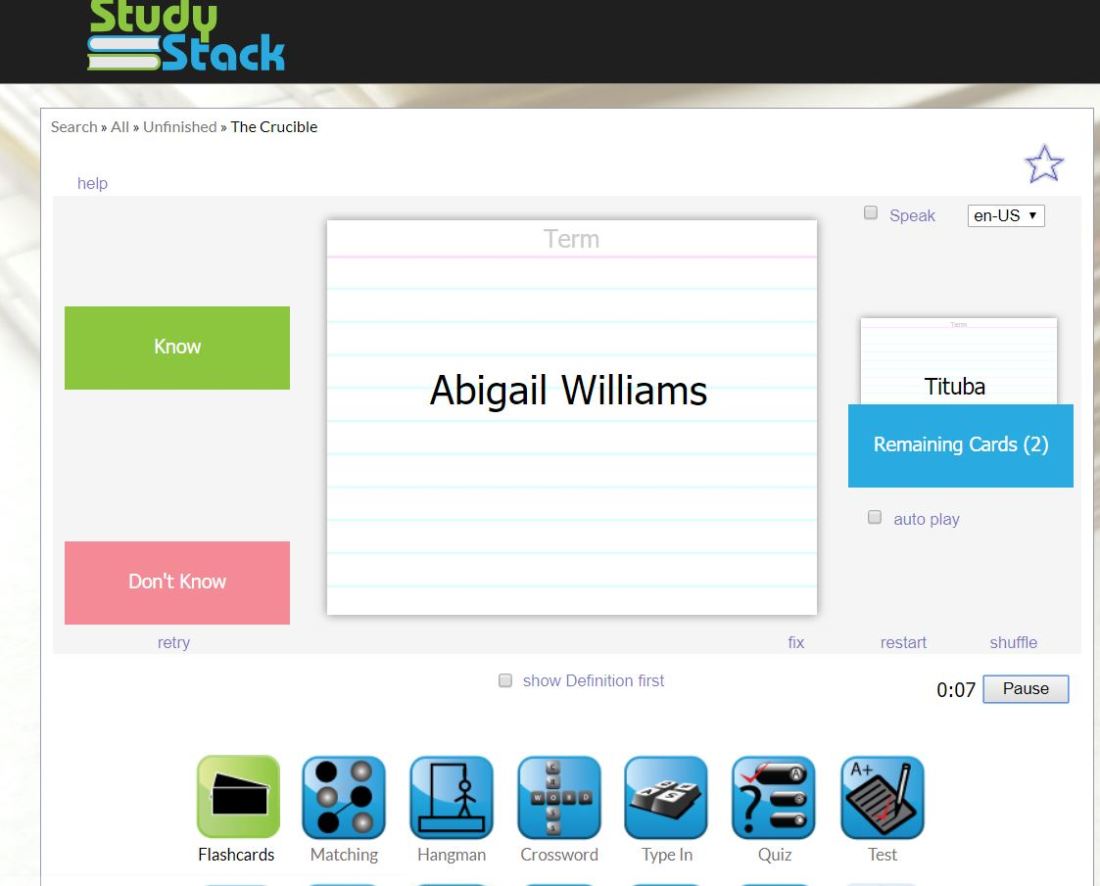
study stack

Study Stack is a website with functions similar to Quizlet. Users can create a stack of cards with definitions, open ended questions, or other terms. It seems to have more options for self-assessment than Quizlet; however, I don’t see a “live” option similar to Quizlet.

This falls mostly under the identification stage of Bloom’s Taxonomy, at least the way I have my class terms set– a simple character identification sheet.

I’ll likely stick with Quizlet, as it has the Quizlet Live feature, which has become a class staple for my students. They really enjoy doing the live relay races and creating competitions with one another.

Possible solution four: Edmodo
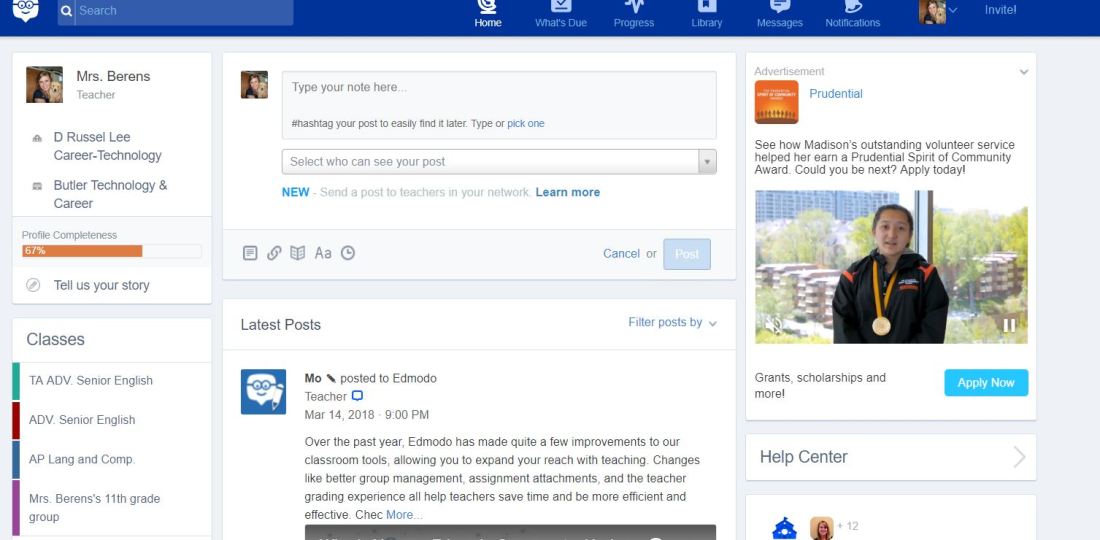
edmodo

Edmodo is a LMS (learning management system) for everything from turning in assignments to uploading course curriculum for student access. The nice thing about Edmodo is that it’s free to use; but, let’s be honest… every school district I’ve ever been apart of has some type of LMS. What school district in 2018 doesn’t have one? Perhaps ones where students don’t have access to technology.

But perhaps, you do have an LMS, but don’t particularly like the way it’s set up, or maybe students can’t turn in assignments electronically. If that’s your situation, Edmodo is a great resource for you. I set up an Edmodo account to check out the features– assignment drop boxes and discussion boards are standard, which is obviously great for students planning to attend college, as most post-secondary schools require students to complete both of these tasks. I definitely think it’s a good resource especially considering it’s free.

Again, like many of these other resources, the Bloom’s taxonomy level of Edmodo depends on the assignment. That means teachers can use functions to meet all six levels of Bloom’s.

Possible solution five: Flipboard
flipboard

Flipboard is an newsource app. It’s awesome for kids who are more tech savy, as it’s already downloaded to most Android phones and links up nicely with Alexa. I’ve had several students in the past use Flipboard in class to find news articles and even tell me that Alexa will read them articles when they get home for the day.

Flipboard is another app that meets just about level of Bloom’s depending on how teachers use it. I often ask students to do research on current events and synthesize information they find into their own argument.
Productivity Tools

wisemapping

Wisemapping:

https://app.wisemapping.com/c/maps/3/try

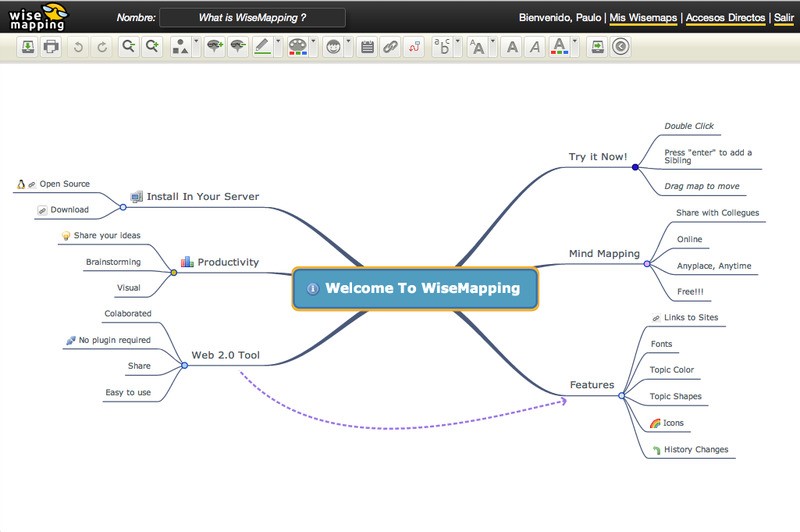
This is a great interactive site that allows students to map their thoughts, showing connections between ideas. Depending on the usage and implementation designed by the instructor, this tool could fall into analysis, evaluation, or synthesis in Bloom’s Taxonomy. If students are writing an argumentative research paper, I could see them taking notes through Wisemapping and creating essentially their argument in a Wisemap.

Again, depending on the implementation, it could certainly fall into the active level of Dale’s cone of experience. Wisemap users must manipulate their recordings that displays connections, thus being more interactive.

mindmeister

Mindmeister:

https://www.mindmeister.com/

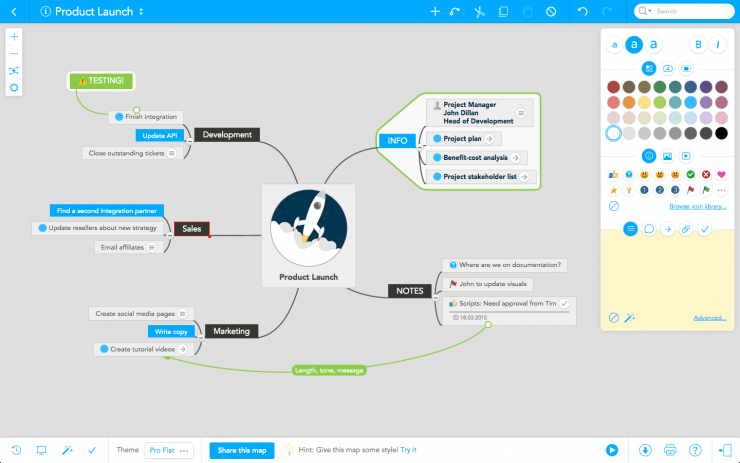
Mindmeister is another interacting mind-mapping tool great for classrooms. The website also allows students to take interactive notes, showing connections between ideas. It also lets multiple users collaborate on the same project, which makes it a great feature for project based learning. Assuming students are being asked to use Mindmeister for collaboration and PBL, it would easily fall into the evaluation and synthesis part of Bloom’s, depending on the actual assignment.

I also see it falling into the active level of Dale’s cone of experience. Students have to interact not just with the technology, but also can interact with each other in a collaborative manner.

google forms

GoogleForms: 

https://support.google.com/docs/answer/6281888?hl=en&visit_id=636741768593388237-713684972&rd=2

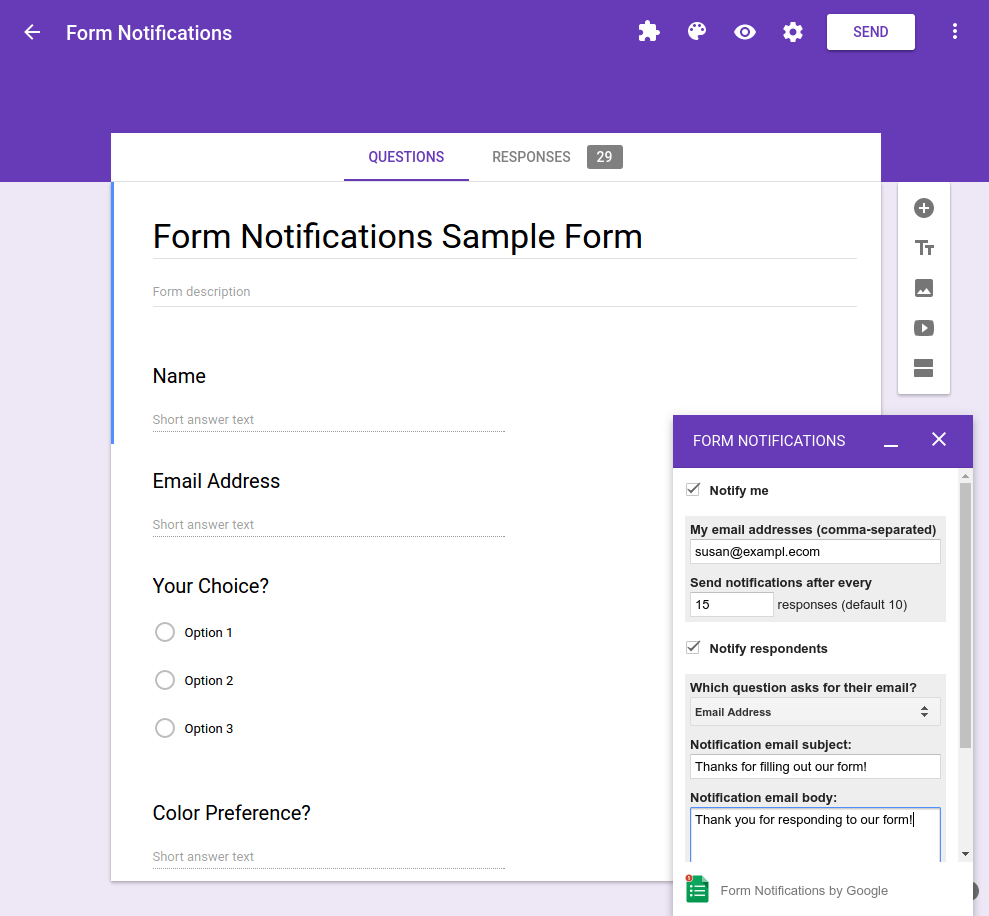
GoogleForms is a great tool for surveying students. It gives instant feedback and is incredibly user-friendly. Depending on the nature of the assignment, GoogleForms could fall into multiple categories from Bloom’s Taxonomy. If students are creating surveys themselves and working with results, then they’d be hitting the synthesis level of Bloom’s.

It also can fall into the active level of Dale’s cone of experience if students are being asked to collaborate and facilitate a survey of their own.

infogram

Infogram:

https://infogram.com/

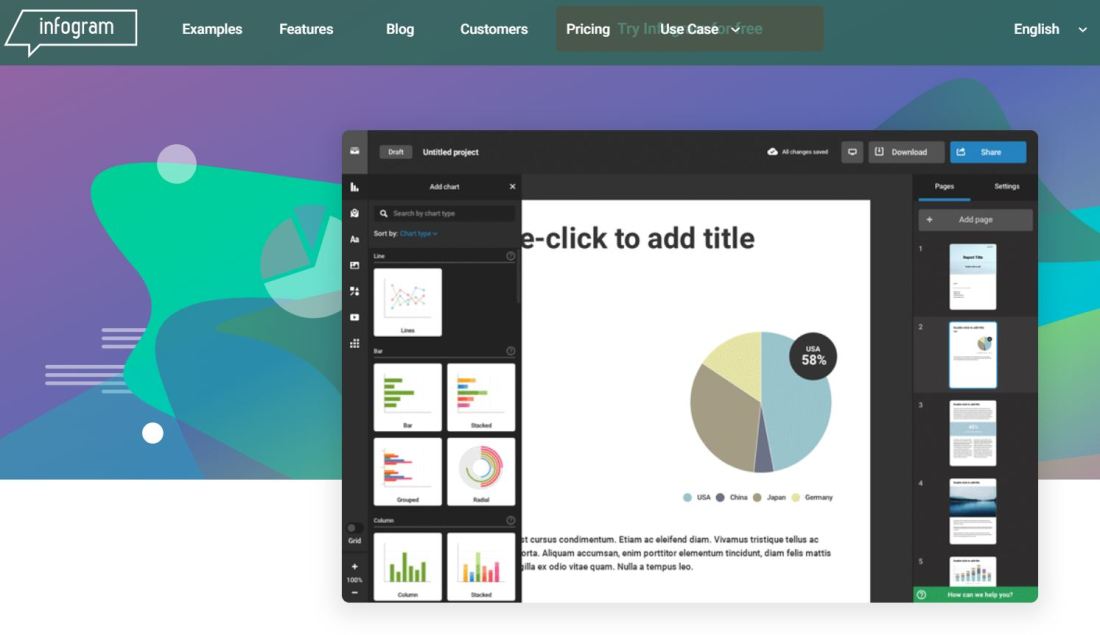
Infogram is a great way to create infographics, which are visual displays of information. Infogram definitely hits synthesis in Bloom’s level of taxonomy. It requires students to really take from multiple sources and create something entirely new and meaningful to the content.

It, therefore, is also in the active level of Dale’s cone of experience.


Featured

In the Beginning…

Sharing with others is good, and with digital technology, sharing is easy.
-Richard Stallman

tech

Some of you may be like me, not really a digital native, but definitely not a digital immigrant either.

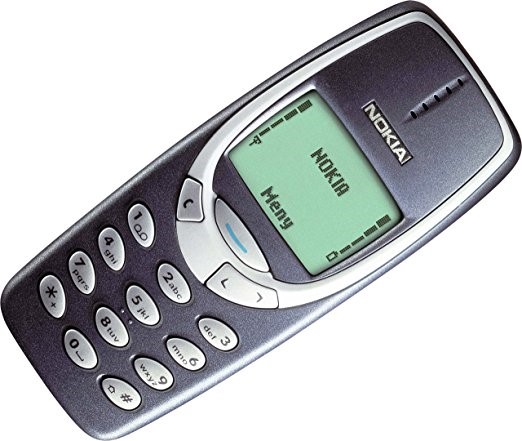
When I was in high school, I had a cell phone. Most people did. They looked like this:

nokia

No color screens. 500 texts a month. Indestructible. No data.

No one used their phones in class, because… well, 500 texts a month weren’t going to be wasted during the school day.  If you had any type of social life, you were saving those bad-boys for the evenings before free calls started at 9 p.m.

Flash forward 15 years of my first cell phone, and I’m the proud owner of my um-teenth iPhone, 3rd gen iPad mini, and drive a car with Bluetooth connectivity so that I can text while driving without physically picking up my phone.

And yes, to my 15 year-old heart’s fancy, I *finally* have unlimited texting, calling, and even data! GASP!

cropped-pic-me  I’m also an eighth year high school English teacher in the greater Cincinnati area. I love to read and write pretty much about anything. And I love my job. I love high schoolers. They’re always bringing me these hilarious perspectives about life. They certainly keep my on my toes and while I may teach them rhetorical device terminology, they also teach me all the hip lingo so I can stay current on my slang.
I’m pursuing a master’s degree in Educational Technology because what better time to learn about technology than as it is really booming in the educational field? It seems like there are new applications and software programs released every day that a teacher can use to tech-ify her classroom. And while I’m not a huge proponent of using technology (or anything, really) just for the sake of using it, I do think when used well, it can really help engage students into meaningful learning.

Anyway, here goes nothing! Look for my posts and get techy with teach.

(Come on, I’m an English teacher, I can’t resist a good pun.)


Featured

Flickr, Blendspace, Storybird, Amazon StoryBuilder

flickr

Flickr: https://flic.kr/y/2vNM1ai

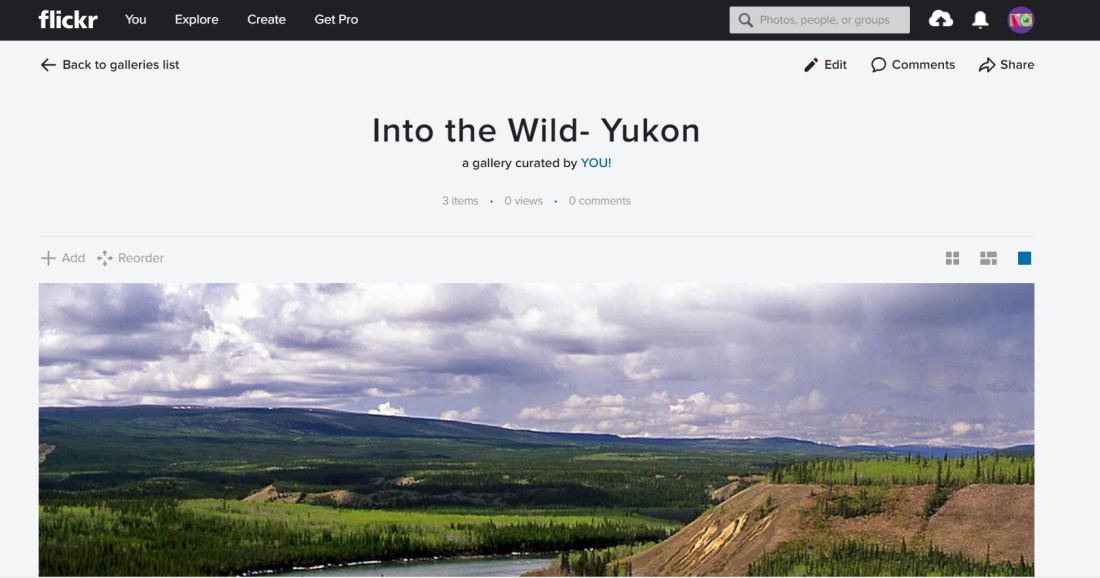
Flickr can be used for several levels of learning in Bloom’s Taxonomy. In my classroom, I used it in the analysis and evaluation level of Bloom’s. We’re currently reading Into the Wild in my junior English class. I asked students to analyze the photos of the Yukon, a prominent location of the main character, Chris. After they analyzed the photo, they then evaluated if they believe Chris could have survived there longer than he survived in Alaska, given the differences in the natural landscape and resources.

For the next part of the lesson, I had students see how long they could be quiet and reflect on the photos. Isolation is another key theme in the book—so silence is imperative. Students were silent for about the last 25 minutes of the bell and had very interesting exit tickets about the reflection. Flickr wasn’t as helpful for this portion of class, but did add another element. The experience itself would be in the Active part of Dale’s Cone of Experience. The photo analysis segment of class was in the passive/seeing part of Dale’s Cone.


blendspace

Blendspace: https://www.tes.com/lessons/IWzR0sQ2197MMw/copy-of-what-current-events-can-teach-us-about-honesty

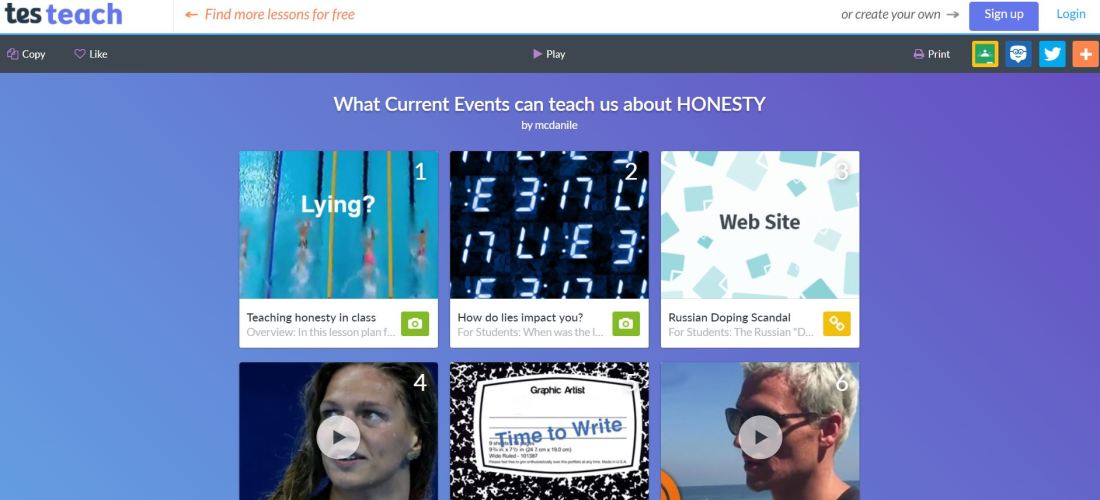
Blendspace is an interesting tool for combining several media sources for lessons. I found a great lesson that I copied and will likely use with my sophomore class about the role of the media in society and current events. The lesson as it stands is mostly in the analysis and evaluation stages of Bloom’s. It asks students to read and analyze elements of various articles and videos. It also asks them make judgements, such as “should Russian Olympian athletes have been banned from the Olympics?”

This unit is mostly in the passive part of Dale’s Cone of Experience. While they are interacting more with the various sources and videos, they aren’t actually experiencing anything or doing anything active with this particular unit. It would be interesting for them to create their own project—perhaps a Blendspace of their own that argues for a perspective demonstrated about a current event.


storybird

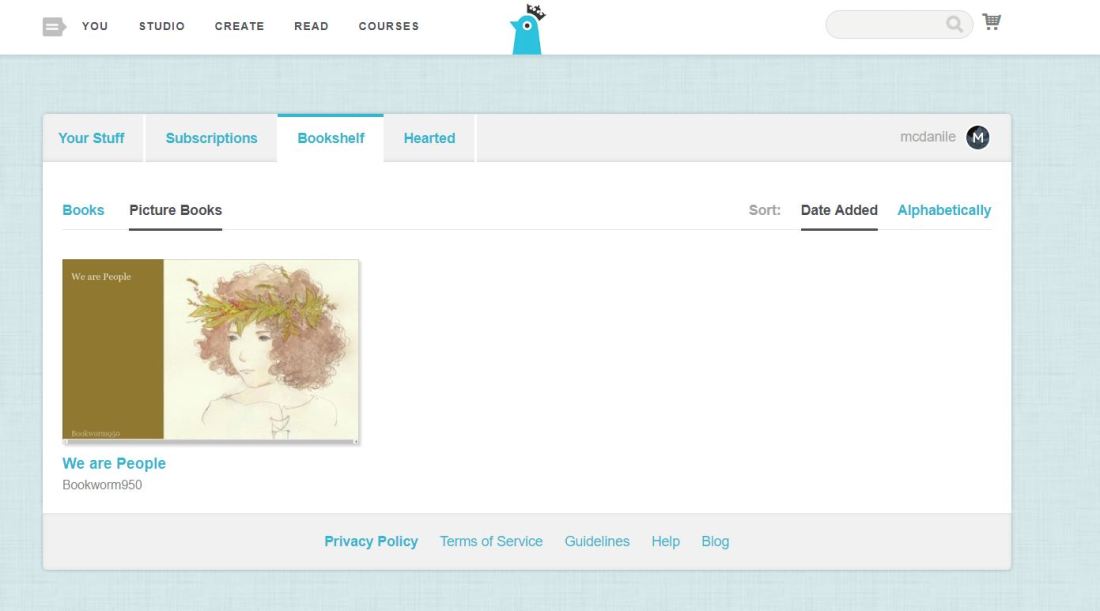
Storybird: https://storybird.com/bookshelf/picturebooks/

This interesting website works well for any classroom that asks students to create stories. Students can use artwork found on the site to illustrate their own stories or simply read the stories of others. In my class, I’d love to use this with my juniors during my “hero” unit. Students will create superhero characters for a local children’s physical therapy office. They will study the concept of heroism and the hero’s journey and eventually interview children with special needs who receive physical therapy at the office. Finally, they will create a superhero cape and a book that tells the story of the superhero created for a specific child. This will fall under the synthesis level of Bloom’s, as they must synthesize information from multiple sources to create their Storybird book.

Creating an Storybird book along with the superhero cape will definitely be in the Active level of Dale’s Cone of Experience.


amazon storybuilder

Amazon StoryBuilder: https://studios.amazon.com/storybuilder

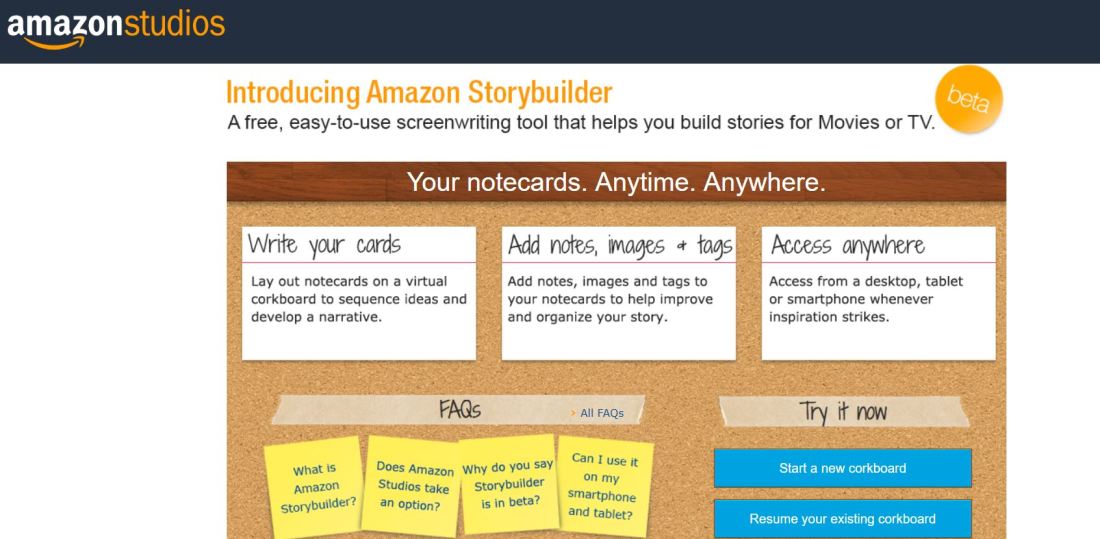
Amazon StoryBuilder is very much like a storyboard used in visual and digital arts prior to filming. It allows users to create a digital storyboard to map out ideas before filming. This would likely be used as Bloom’s synthesis level of learning, as it would require students to think about multiple resources to create a completely new storyline.

Creating an Amazon StoryBuilder would also be in the Active level of Dale’s Cone of Experience, especially assuming they would actually film their storyline.